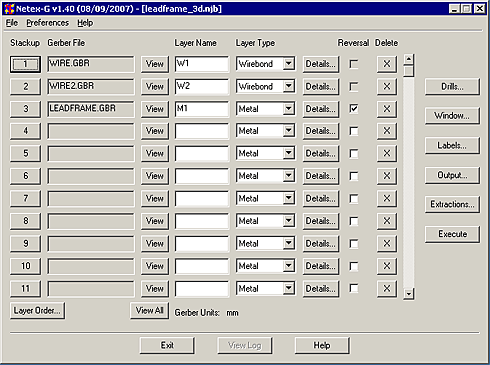
A series of menus and dialog boxes are used to collect the required information needed to run NETEX-G as well as configuring the conversion parameters. The screen shots and comments shown below describe how to use these dialogs.
The screen shot below has "hotspots" over the different menu buttons and fields. Place your cursor over a hot spot and click to get details.