The odb2gbr.exe sample opens a ODB++ file or directory, lists the steps and layers and then converts the selected step and layer(s) to Gerber files. This sample exercises all of the key API calls for ODB2GBR.DLL.
The source and MS project files for odb2gbr.exe are located in the <install_root>\lib and <install_root>\src directories so that a library user has example code to reference. A fully compiled odb2gbr64.exe is also included with the release.
The user interface includes:
a radio button requiring the user to specify whether the input data is a file or directory.
The input file
The working directory
The location of the executable and support files
an output directory
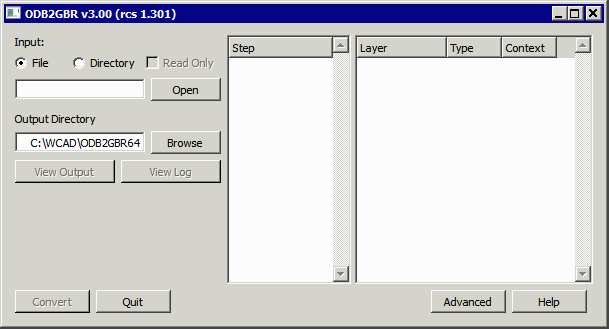
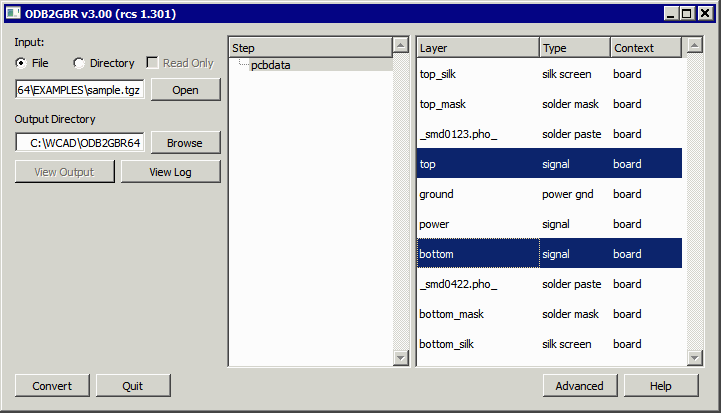
After defining the appropriate directory and input file, one presses the Open ODB File button. This causes the program to open the file and then to scan it for the steps and layers.
The list of steps and layers is filled in on the right hand side.
To create Gerber output the user must select a step (it is only possible to select one of the listed steps) and one or more layers. Then press the Convert ODB to Gerber button and the Gerber files are written to the specified output directory.
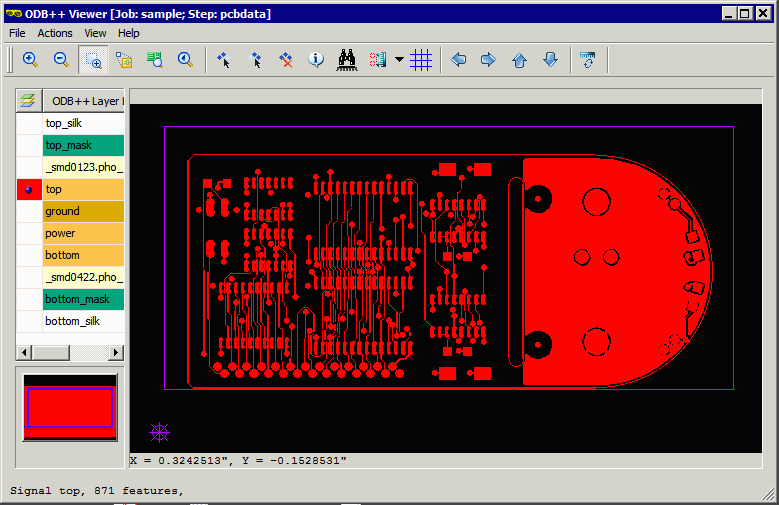
To check the results, first we open an ODB++ file using the Valor/Mentor ODB++ Viewer. This is our reference.
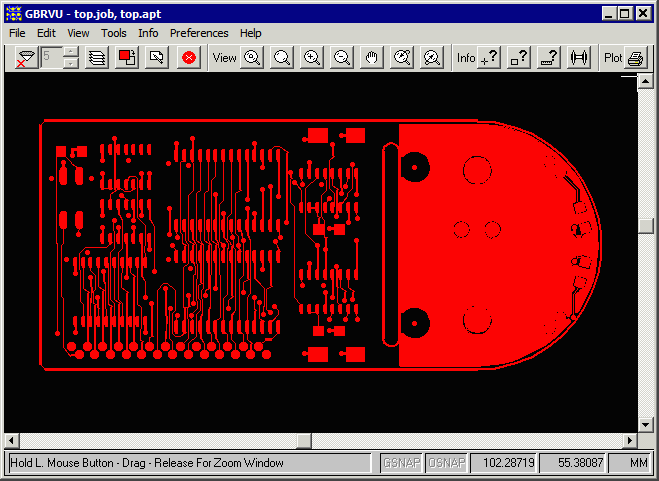
Next, we open the Gerber file generated by ODB2GBR called top.gbr using Artwork's GBRVU