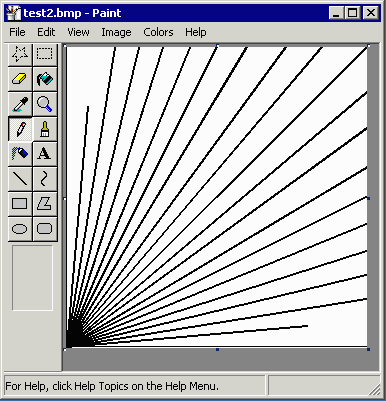
To get started we will show how to run the rasterizer using the command line program, gbr2tiff.exe, provided by Artwork. A very small Gerber file (test2.gbr) will be rasterized at 300 DPI resolution.
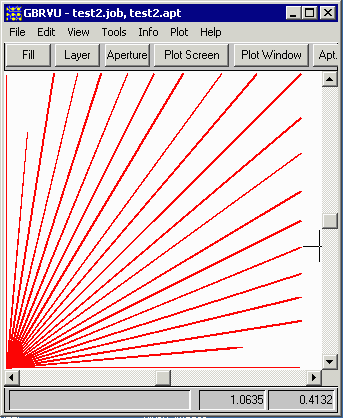
Open a command prompt (DOS) and go the the \wcad\gbrip\EXAMPLES directory. Then type at the command line:
..\gbr2tiff.exe test2.gbr -274x -inch -aw -dpi:300 -bmp:test2.bmp
where
..\gbr2tiff.exe | the gbr2tiff program |
test2.gbr | the Gerber file to be ripped |
-274x | tells gbr2tiff that this file is a 274X file |
-inch | tells gbr2tiff arguments with dimensions are in inches |
-aw | compute data window automatically |
-dpi:300 | sets bitmap resolution = 300 DPI |
-bmp:test2.bmp | output .bmp and output file to test2.bmp |
In less than a second the program should be complete. open the EXAMPLES directory and find the file called test2.bmp. Open it with any bitmap editor. The results should look similar to what the GBRVU program displays.