
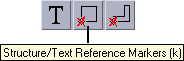
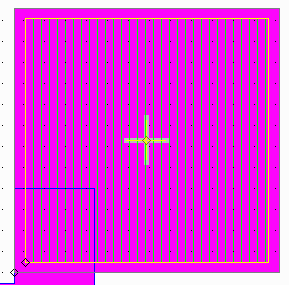
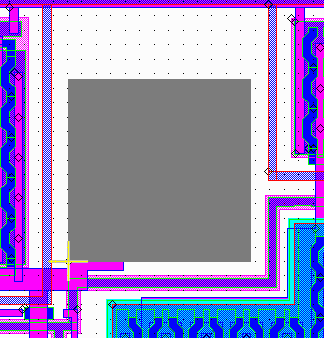
To identify a structure, make sure markers are “on” and click on the diamond shaped marker. The name, insertion point, scale and rotation will appear in the information box.
 |
|
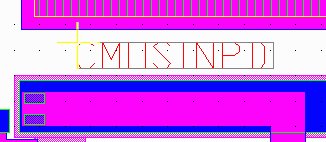
TEXT To identify a string of text, first make sure the text is turned on by pressing the "T" button to toggle text on/off. Then, make sure the markers are “on” and click on the desired text's marker. The font, size, rotation and layer will appear. |
|
 |
|
BOUNDARIES To identify a boundary or path, make sure markers are “on” and click on a vertex or use the window info to select a window of vertices. The number of vertices, coordinates and layer will be displayed. 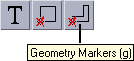 |
 |
| Page | 1 | 2 | 3 | 4 | 5 | 6 | 7 | 8 | 9 | 10 | |
| Download | Price |
Revision History |
PDF DataSheet |
FAQ |
Artwork Home |