Distorted image in Agilent ADS & EMDS | |
|
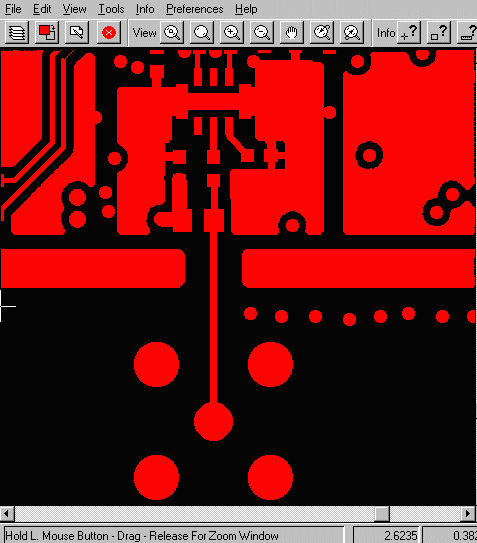
GBRUNION can be used to create clean EGS data for simulation in Agilent tools. This page describes the reason why Agilent tools may display a distorted image after loading an EGS file from Gerber Union. As an example, let's load a Gerber file to the Gerber Union tool as shown below. |
|
|
|
|
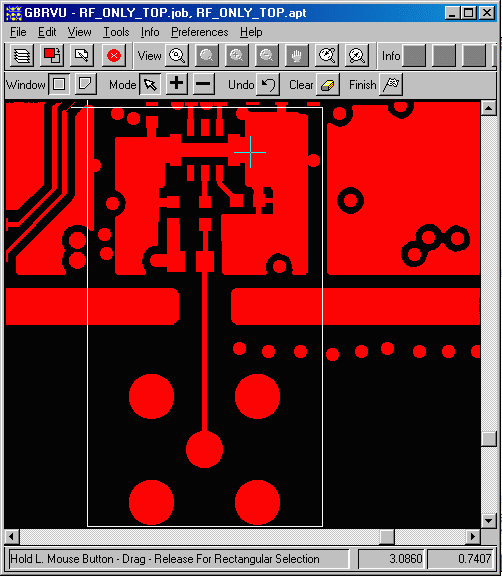
We are only interested in a certain area of the design so we will use GBRUNION to clip this area and output an EGS file. We go to Tools pull down menu, click on Gerber Union, and turn on the Use Window Selection. We then click on the Set Window Selection and pick the window of interest in the gerber viewer. You may pick a few windows. Hit finish when done selecting windows. |
|
|
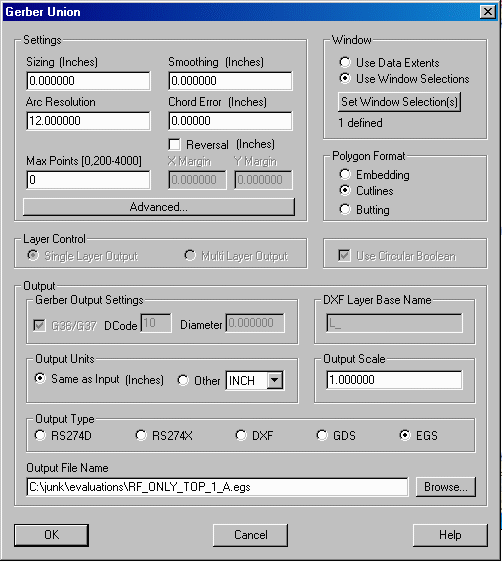
The next step is to select the output type as EGS and pick an output file name. We also recommend using Arc Resolution of 15 to reduce the number of points along the arc - this will reduce the EGS file size and speed up the simulation time in ADS. |
|
|
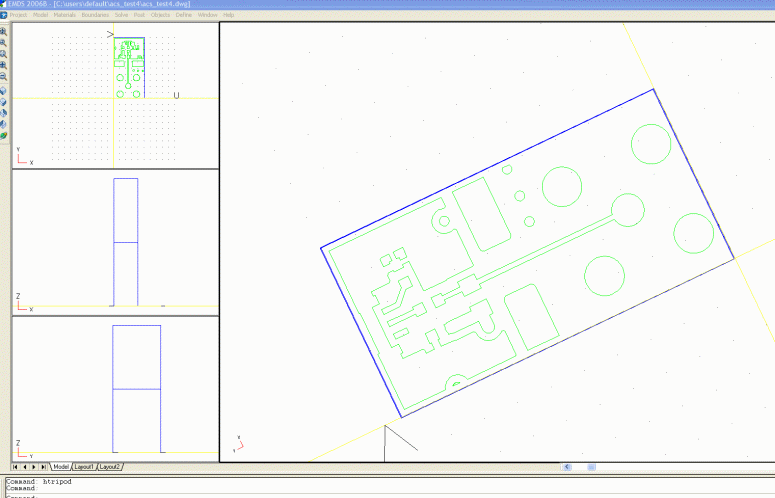
The next step is to load the EGS file to ADS or EMDS. When doing so, the user must make sure they set the Point resolution on the options tab correctly since the default may be wrong. Gerber Union
usually exports EGS with resolution of 1.0e-5. |
|