Using Linux Print Manager to add Plotter Queue
Start the Print Manager tool, and select the Printer > Properties option or by running the command system-config-printer. You will need to have root password to get to the Printer Configuration menu.
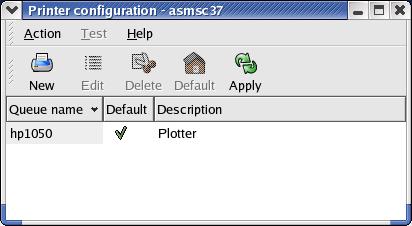
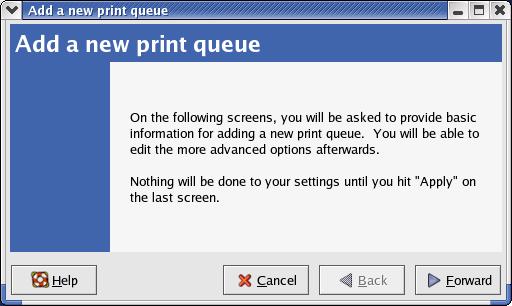
Select the New option from the menu to add new Plotter queue. The following window will open up.. Click on Forward to continue.
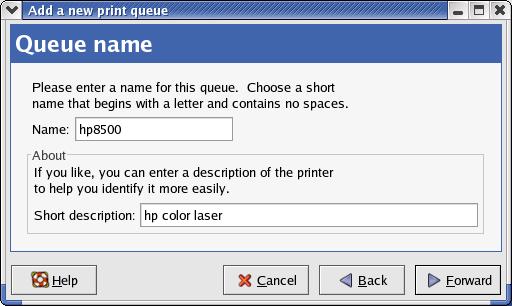
In the next menu you will be asked to enter the Printer queue name and a short description.
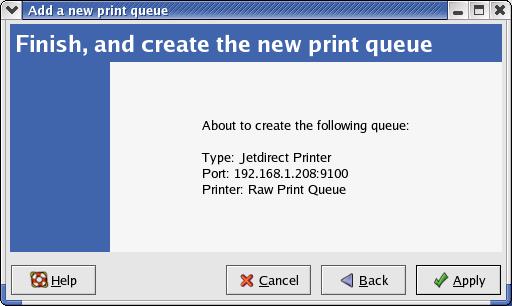
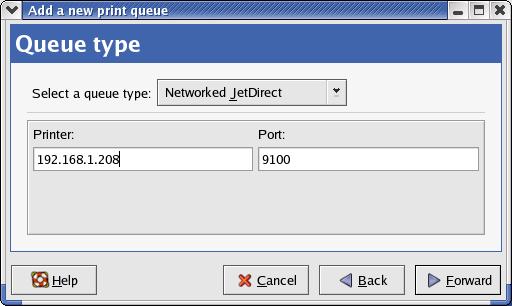
In the Queue Type menu set the queue type to Networked Jetdirect and set the correct
IP address for the plotter. Hit Forward to continue.
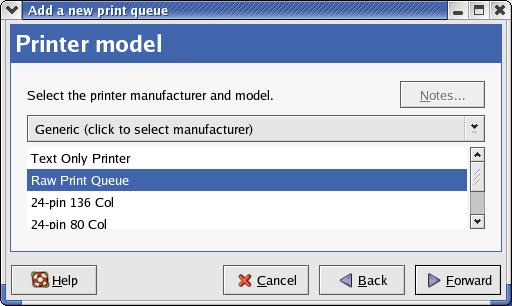
In the Printer Model menu, set the model to Raw Print Queue and hit Forward to continue.